Cyber security threats in 2026 and how to protect your business
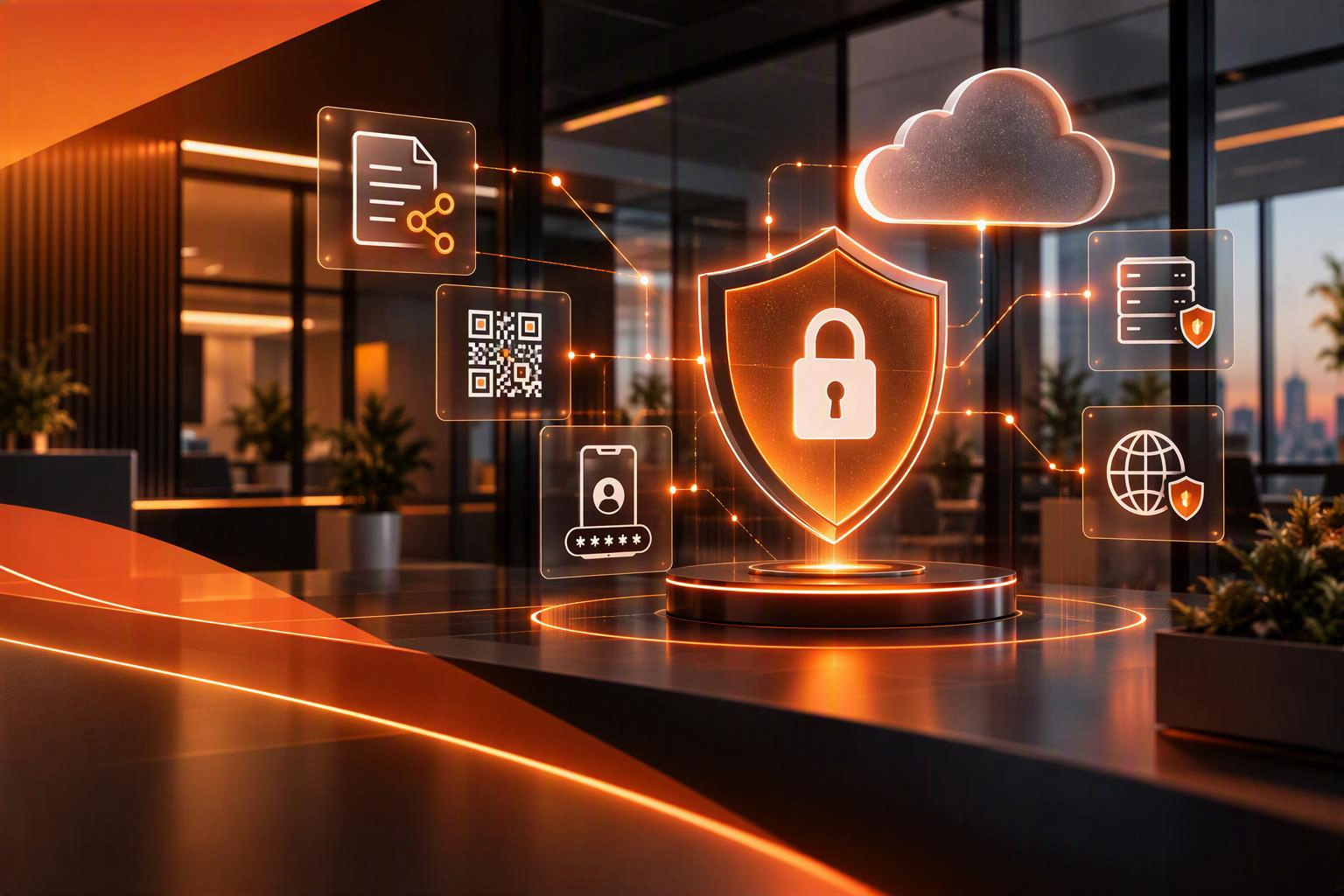
A message asking you to view a shared document. A QR code claiming your account needs verification. A website telling you to complete a quick security check.
These requests can look like ordinary parts of the working day. They can also be the beginning of an attack on your business.
For Cyber Security Awareness Month this October, it is worth looking beyond the familiar advice to choose a strong password. Cyber criminals continue to adapt how they persuade people to give them access, while weaknesses in updates, permissions and recovery plans still create opportunities.
For businesses in Basingstoke and Hampshire, the priority is understanding those risks and putting practical protection around the systems your team uses every day.
This guide covers cyber security threats relevant in 2026 and the steps you can take to reduce their impact.
How AI is changing the threat
AI is giving attackers additional ways to research targets, produce convincing content and support technical work. In its September 2026 guidance, the National Cyber Security Centre says defenders should assume at least some attackers already have access to capable AI tools.
That does not mean every suspicious email is AI-generated, or that every attack uses a brand-new technique. The concern is how AI can assist established methods. Read the NCSC’s assessment of frontier AI and cyber defence.
For staff, the practical lesson is to assess the request itself. Good grammar and a professional tone are not evidence that a request is genuine. Ask whether the action is expected and whether it follows your usual process.
Build verification into everyday work so employees do not have to judge an email’s authenticity from its wording alone.
QR code phishing moves the attack to your phone
A QR code is a link in another form. Scanning one can take you to a fraudulent sign-in page just as clicking a malicious email link can.
Microsoft’s analysis of threats seen in the first quarter of 2026 recorded a sharp increase in QR-code phishing. This is evidence from Microsoft’s observations, rather than a measure of every attack against UK businesses. Its email threat report also highlights the continued use of links to deliver phishing attacks.
A staff member might receive a supposed account notice on a laptop and scan its code using a personal phone. That change of device can make the request feel separate from the original suspicious message.
If an unexpected message asks you to scan a code to keep access to an account, open the service through your normal app or saved address instead. Include QR-code examples in staff awareness sessions and review how work accounts are protected on mobile devices.
Device code scams can abuse genuine sign-in pages
Some scams do not need a fake password page.
Device-code sign-in is a legitimate process used to authorise access in certain situations. Criminals can abuse it by asking someone to enter a code that authorises a session the attacker started.
Microsoft documented an AI-enabled device-code phishing campaign in April 2026. Lures included document access and voicemail notifications. The victim could be sent to a genuine Microsoft sign-in page while still being tricked into granting unwanted access.
Only complete a device-code request for an action you started and understand. An unexpected document should not persuade you to enter a supplied code without checking with IT.
Ask your IT provider to review whether device-code authentication is needed and restrict it where appropriate. A familiar Microsoft address does not establish that the request leading you there was legitimate.
Fake verification prompts can install malware
Another technique, known as ClickFix, persuades users to run commands themselves. A page may pretend that something is broken or that a verification step is needed before they can continue.
Microsoft’s analysis of ClickFix describes prompts that encourage people to copy and run commands in Windows tools. This is an established technique that remains relevant to awareness training, rather than something first discovered in 2026.
Give staff a clear rule: a website asking them to paste commands into a system tool is a reason to stop and contact IT. They should not try to complete those steps to access a document or prove they are human.
Support that message with managed device protection and appropriate restrictions on what users can install or execute. If someone has already followed the instructions, ask them to report it immediately and explain exactly what happened.
Account attacks make stronger authentication important
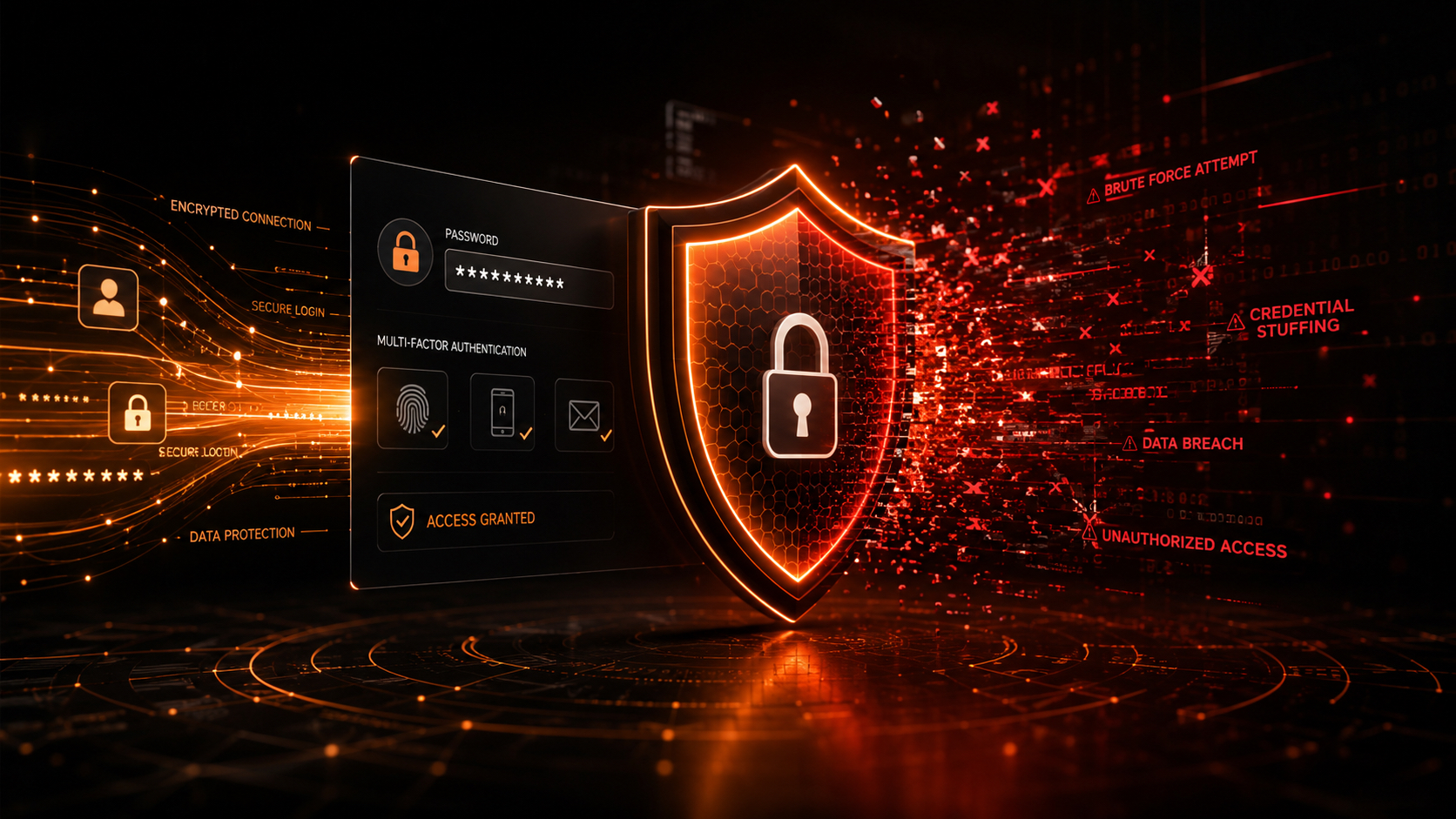
Multi-factor authentication, or MFA, adds a check beyond a password. It remains an important protection, but different methods provide different levels of resistance to phishing.
Ask your IT provider about phishing-resistant options such as suitable passkeys or FIDO2 security keys. Microsoft’s authentication strength guidance distinguishes these from methods that rely on passwords and codes or prompts.
Prioritise administrator accounts and people with access to payments or sensitive information. Also review how accounts are recovered, how new authentication methods are registered and how access is removed when someone leaves.
Staff should reject and report unexpected approval prompts. Treat repeated prompts as something to investigate, rather than an irritation to accept so they disappear.
Your Microsoft 365 security and administration should receive the same attention as the security of individual laptops.
Payment fraud can arrive through a familiar conversation
A fraudulent payment request may appear to come from a director or supplier. If a genuine mailbox has been compromised, it can even arrive within a conversation your team recognises.
Create a consistent process for changing bank details and authorising unusual payments. Verify the request through a separate, trusted route, using contact details already held in your records. Replying to the same email is not an independent check.
The NCSC’s phishing defence guidance recommends layered protection and verification of important requests through another form of communication.
Make the process apply to senior managers as well as everyone else. An urgent instruction should not remove the checks designed to protect the business. Give staff explicit support to pause a payment while they verify it.
Ransomware protection needs a recovery plan
Ransomware can disrupt access to systems and information. An incident may also involve stolen data, so restoring files does not resolve every consequence.
Keep software updated, reduce unnecessary administrator access and make sure security alerts reach someone who can act. These controls need ongoing attention across devices, servers and remote access systems.
Backups are essential, but ask what recovery would actually involve. Which systems are covered? Are copies protected from attackers? When was a restore last tested? How would the business operate while recovery takes place?
The NCSC’s ransomware guidance recommends regular, tested backups and copies kept separate from the systems being protected.
Our backup and disaster recovery services can help you review those arrangements. Agree your priorities before an incident forces you to choose what to restore first.
Turn Cyber Security Awareness Month into practical action
Cyber Security Awareness Month is a great reminder, but the real value comes from turning awareness into action. Rather than trying to tackle everything at once, focus on a few practical steps that can make a genuine difference:
-
Show staff examples of the latest scams, including QR code phishing, fake verification requests and device code attacks.
-
Remind employees how to verify payment requests and supplier bank detail changes before taking action.
-
Review access to key business systems and make sure authentication is set up appropriately.
-
Check who is responsible for updates, monitoring and responding to security alerts.
-
Test your backups by carrying out a restore, and discuss how the business would continue operating during an outage.
-
Make sure everyone knows how and where to report a suspected security incident, especially outside normal working hours.
Most importantly, create a culture where people feel comfortable speaking up if they think they’ve made a mistake. The sooner an issue is reported, the quicker it can be investigated and resolved. Effective cyber security is not just about technology; it’s about people, processes and good habits working together.
Our managed cyber security services support this wider approach. Connecting security with managed IT support in Basingstoke also helps keep responsibility for day-to-day maintenance clear.
A short conversation today could save your business days of disruption tomorrow. If you’d like practical advice on strengthening your cyber security, speak to our team and let’s make sure your organisation stays one step ahead.


Let's Talk
Looking to switch providers or get better support for your team?